That Text Message Is Probably a Scam: How to Spot Fake Delivery, Toll, and Bank Texts
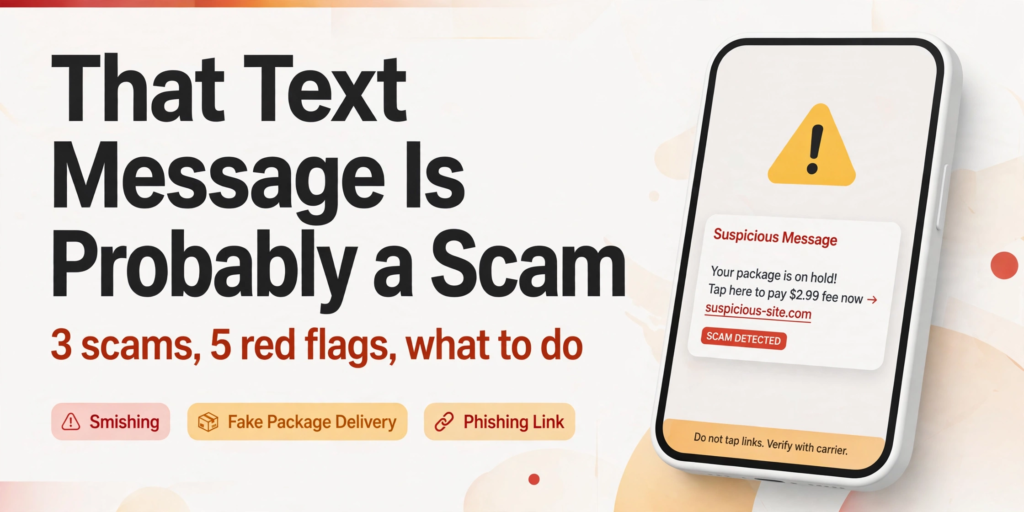
Your phone buzzes. It’s a text saying your package couldn’t be delivered, or you owe an unpaid toll, or your bank account has been locked. It looks urgent. It has a link. It wants you to act right now.
Stop. Take a breath. That message is very likely a scam.
These fake texts are called "smishing" — phishing scams sent by text message — and they’re one of the most common cons going around in 2026. The good news: once you know the pattern, they’re easy to spot. Here’s how.
The 3 Scams You’ll See Most
1. The fake delivery text. "Your package could not be delivered. Click here to reschedule." It might name a real company like Canada Post, UPS, or FedEx. Real delivery companies do not text you out of the blue asking you to click a link and pay a fee or re-enter your address.
2. The unpaid toll text. "You have an unpaid toll. Pay now or face a fine." This one is simple: toll agencies don’t collect payments by text message. If you ever owe a toll, the bill comes in the mail. A text about a toll is a scam, every time.
3. The bank or account alert. "Suspicious activity detected on your account. Verify now." Scammers love this one because it triggers panic. A real bank will never ask you to log in or confirm your password through a link in a text.
5 Red Flags That Give Them Away
- Urgency. "Pay within 2 hours or else." Scammers rush you so you don’t stop to think. Real companies don’t do that.
- A link you didn’t ask for. Any unexpected text with a link should be treated as suspicious — even if the sender name looks familiar.
- A strange web address. The link might look close to the real thing, like "canadapost-delivery.com" instead of canadapost.ca. Close doesn’t count.
- A request for personal info. No legitimate company asks for your password, card number, or Social Insurance Number by text.
- An odd sender. Scam texts often come from a random 10-digit number or an email address, not from the company’s real short code.
If a message hits even one of these, assume it’s a scam.
What to Do When One Arrives
Follow these steps, in order:
- Don’t click the link. Don’t reply, either — even "STOP." Replying tells scammers your number is real, which brings more scam texts.
- Don’t call any number in the message. If you’re worried it might be real, look up the company yourself — use the number on your bank card, the company’s official app, or a number you already know.
- Check the real source. Expecting a package? Open the delivery company’s app or the store where you ordered, and check the tracking there. Worried about your bank? Open your banking app directly — never through a text link.
- Report it. Forward the text to 7726 (it spells SPAM). This reports it to your mobile carrier, who can block similar messages. In Canada, you can also report it to the Canadian Anti-Fraud Centre. In the US, report it at ReportFraud.ftc.gov.
- Delete it. Once reported, delete the message and move on.
What If You Already Clicked?
It happens — don’t beat yourself up. Just act quickly:
- Close the page right away and don’t enter any information.
- If you typed in a password, change it immediately, starting with your email account. Turn on two-factor authentication if you haven’t already.
- If you entered banking or card details, call your bank using the number on your card and tell them what happened.
- Keep an eye on your bank and card statements for the next few weeks.
Turn On Your Phone’s Built-In Spam Filter
Your phone already has free tools that catch a lot of these before you even see them. They take about a minute to switch on.
On iPhone: Open Settings, tap Apps, then Messages, and turn on Filter Unknown Senders. Texts from numbers not in your contacts move to a separate list, and they won’t buzz your phone.
On Android: Open the Messages app, tap your profile icon, go to Messages settings, then Spam protection, and make sure Enable spam protection is turned on. Suspected spam goes into a separate Spam & blocked folder.
The One Rule to Remember
If you only remember one thing from this post, make it this: never trust a link or phone number that arrives in an unexpected text. Go to the company yourself, through an app or number you already trust. That one habit stops almost every text scam cold.
Scammers are counting on you reacting fast. You have the advantage — you just have to pause for five seconds.
Get the Free Guide
Want more plain-English help like this? Grab the free guide AI Made Simple for Real Life, plus the bonus 5-Minute PC Tune-Up Checklist — both free when you sign up below.
It’s free, it’s plain English, and it takes a minute to sign up.
Leave a Reply